

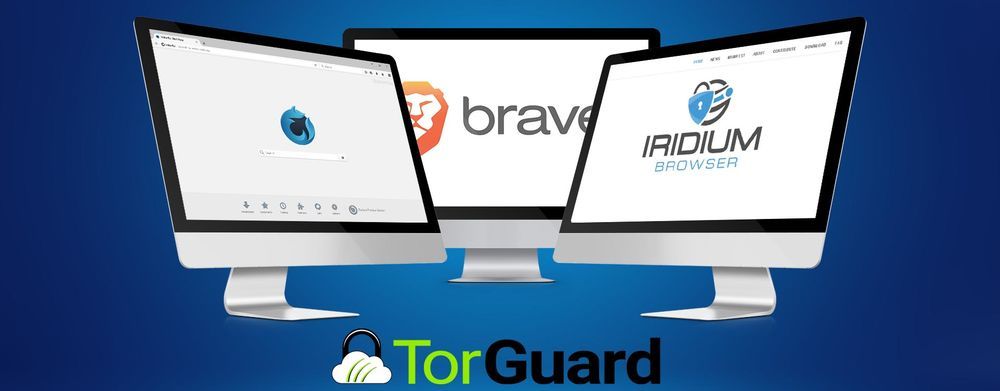
Your browser probably isn’t as safe as you think it is. Many people new to online privacy and security believe that AdBlock and an incognito mode will keep them perfectly protected on the internet. This couldn’t be further from the truth. Almost every browser is susceptible to tracking cookies, stores browsing history, and even collects sensitive data about you. Make the switch to a browser that respects your confidentiality.
1. Brave
Brave is the perfect privacy based browser for beginners. You won’t need to do much fiddling around to get Brave to work for you. Though it offers customization options, its default settings are likely to be satisfactory for most casual internet users.
This Chromium based browser handles all the basics – it blocks most ads and scripts, defaults to HTTPS connections, and disallows fingerprinting. The only negative to the browser is that it does allow approved and controlled ads. If ads of any sort are a deal breaker for you, you may not want to use Brave.
2. Iridium
Iridium is the perfect choice for people who are well accustomed to Google chrome. This browser is Chromium based, and supports the majority of Chrome extensions and add-ons. Iridium is very straightforward – if you know how to use Chrome, Iridium is barely any different. It’s essentially a Chrome upgrade with many of the major security flaws and vulnerabilities resolved. You’re getting vastly improved privacy with no learning curve.
3. Waterfox
Firefox loyalists will find it easier to switch to Waterfox. It’s built on the same framework and the interface is virtually identical. Mozilla collects a lot of data from Firefox users, including browsing history. Waterfox does everything Firefox does – except spy on people. It supports some older Firefox add ons that don’t interfere with its security settings. The only downside to Waterfox is that updates roll out a little slow. Often, that’s the sacrifice to be made for utilizing something free and open source.
4. Ungoogled Chromium Browser
Ungoogled Chromium is Google Chromium. They’re the exact same thing. There are almost no discernible differences with the interface or experience. Simply enough, Ungoogled has been, well, Ungoogled. All of Google’s data storing and tracking code is removed. It can’t invade your privacy the same way Google can, and that’s literally the only difference between the two browsers. If you want something straightforward, you’ll find it with Ungoogled Chromium. Security upgrades often roll out in real time.
5. Pale Moon Browser
Pale Moon is a modification of Firefox, and opinions of the browser are somewhat mixed. While it does offer superior privacy and browsing protection, it’s a bit simplistic in its design. It’s a quick browser with a wealth of customizable features, but it’s a little outdated in its interface and user experience. Pale Moon is a great option for people who want to be able to fully tweak a browser to their specifications. It may not be the best choice for users who prefer something a little more “grab and go”.
Keeping All Your Bases Covered
Slow security updates or undetected threats may leave you vulnerable if you’re relying solely on a browser to keep you safe. There’s no such thing as being too safe. Any browser, even browsers designed to protect your privacy, are best backed by a VPN like TorGuard. VPNs add an extra layer of protection and encryption to secure browsers – think of a secure browser as a locked doorknob and a VPN as a deadbolt.