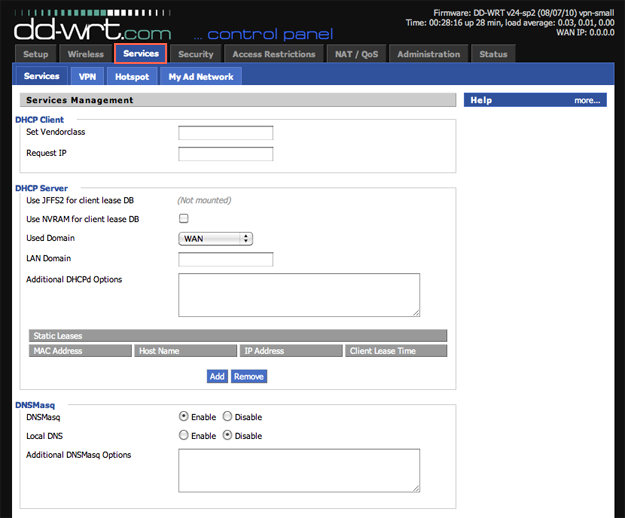
When most of us use a VPN, it’s usually just on that one device. What if you wanted to connect ALL your devices to just one VPN access point? This type of technology must be restricted and hard to install, right? Surprisingly, DD-WRT and Tomoato firmware routers now make it quite easy.
Custom DD-WRT Firmware on your router
Most routers today are running some type of linux based system to provide more advanced options to route traffic. Once should just be sure before purchasing a router that it will be fully compatible with DD-WRT or Tomato firmware. You can search for all compatible routers here at the dd-wrt database:
Make sure to follow TorGuard’s step by step instructions for configuring DD-WRT on your router. The process must be followed exactly to prevent what’s known as “bricking” your router and possibly breaking it. Here is a step by step walkthrough for setting up DD-WRT using OpenVPN with TorGuard VPN services.