

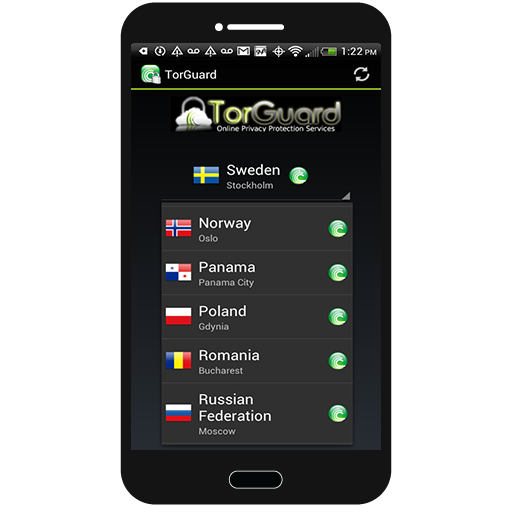
TorGuard’s software development team has been working hard this year at updating our popular Android VPN app. We have listened to our customer’s feedback and improved upon many features within the app, providing a now seamless experience on any Android device. Some of the new features that have been added to the new beta VPN app include:
– Improved connection menu design.
– Easy UDP/TCP switch on all connections.
– Bittorrent/Stealth optimized logo on featured locations.
– Session cipher setting on home and status screen.
– VPN countries now separated by city.
This new beta version of the TorGuard Android VPN app is fully functional and has just been released to our beta testers. We encourage all TorGuard users running any type of Android device to check our this latest release.
How to be a TorGuard Beta Tester:
Step 1: To become a TorGuard beta tester and gain access to our apps, you must first join our google community here.
Step 2: Once you have joined the beta testing google group, you can now access the new TorGuard beta app here.
Please feel free to post your feedback in the google group or back at the TorGuard Android VPN forums. Our staff will be actively answering your questions in these areas and will give out various prizes to those who contribute the most. We are looking specifically for bug (crash) reports, display errors, or any other general feedback relating to the functionality of the new app. Any and all type of input is welcome.
