

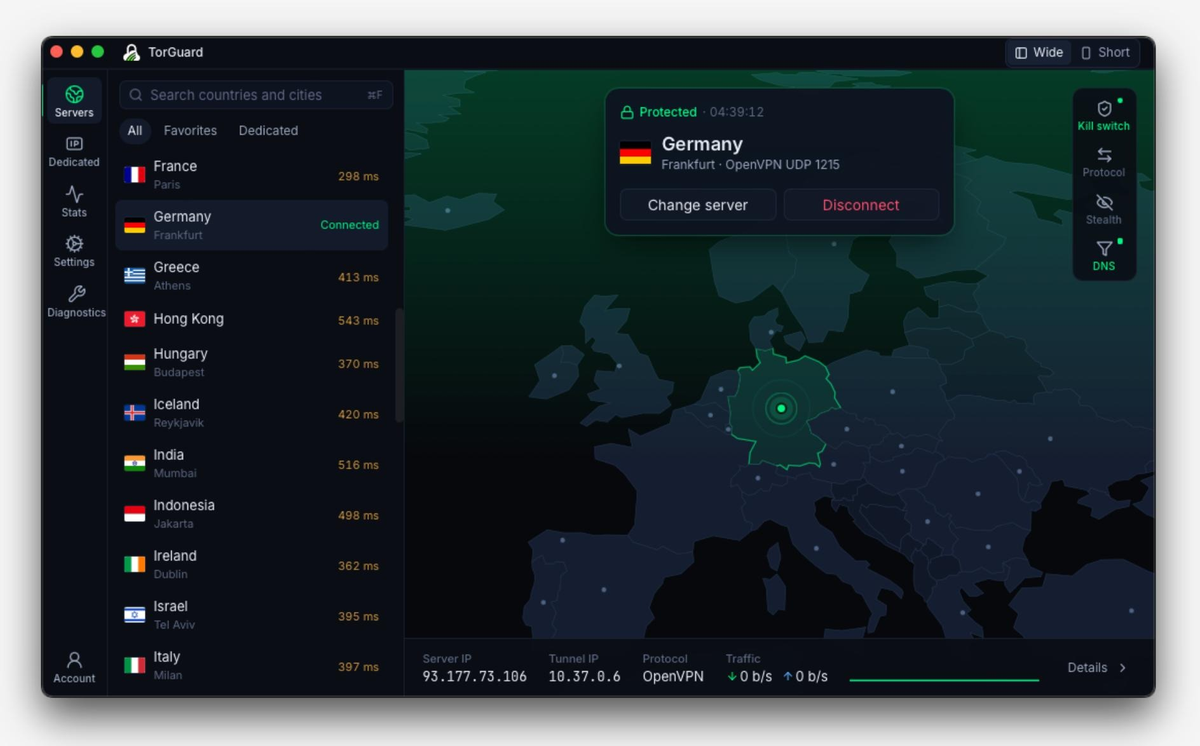
The new TorGuard VPN desktop app is available in beta for Windows, macOS, and Linux. We rebuilt it from the ground up to make everyday tasks like finding a server, switching locations, and connecting to a dedicated IP easier. The new codebase also gives us a better foundation for the features we’re working on next.
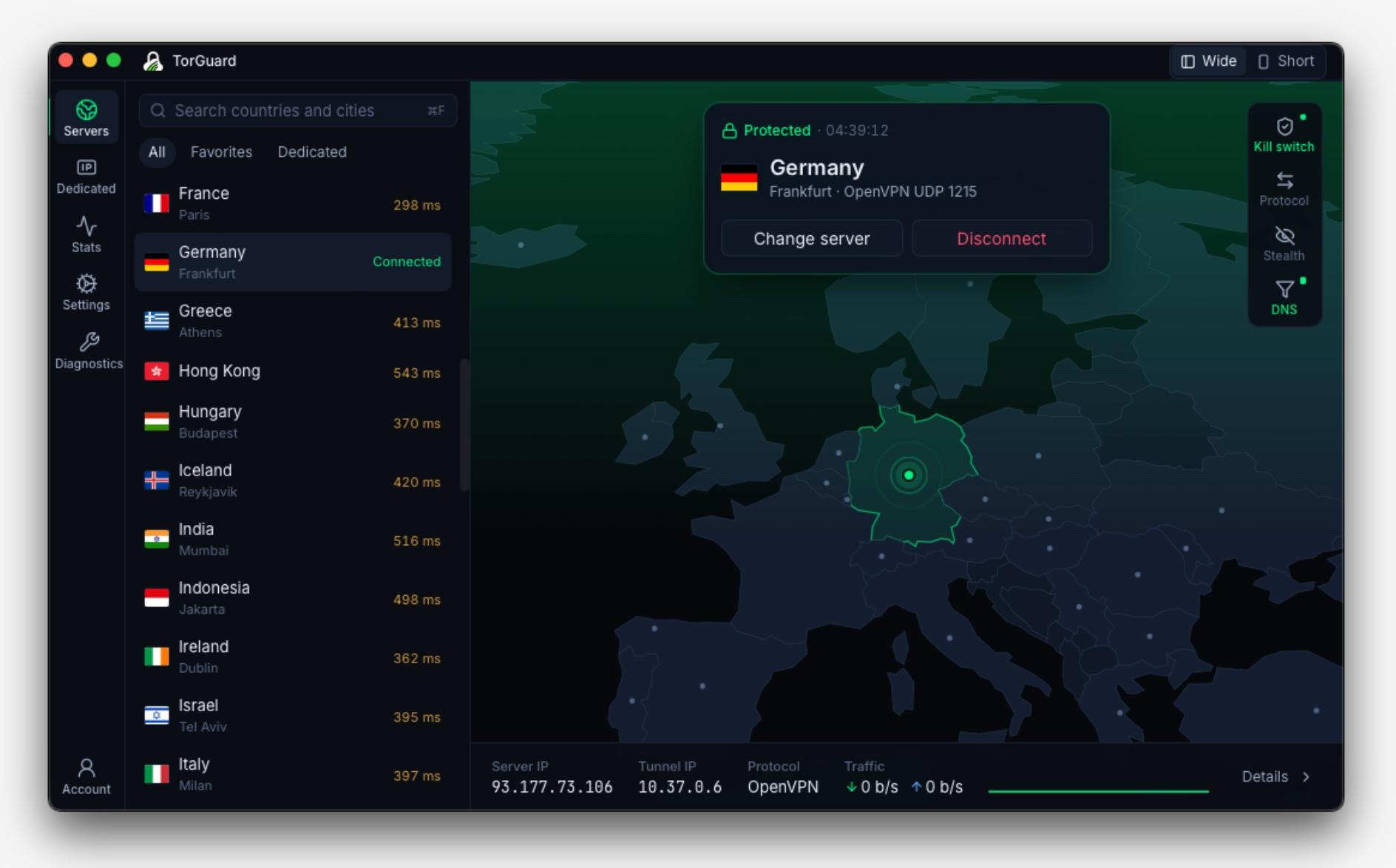
What’s new in the desktop app
Search by country or city, keep your regular locations in Favorites, and use Change server right from the connection screen. If you have dedicated or residential IPs on your account, the app loads them automatically when you sign in. The redesigned interface keeps familiar controls like the kill switch, stealth protocols and DNS settings within reach.
The beta supports WireGuard, OpenConnect, OpenVPN with stunnel, Shadowsocks, and WSS Tunnel.
Download the desktop beta
Choose a build below or visit the TorGuard downloads page for desktop releases.
- Windows · MSI installer (beta.12) · ZIP (beta.12)
- macOS · DMG (beta.5)
- Linux (AMD64) · DEB (beta.2) · RPM (beta.2) · TAR.GZ (beta.2)
The beta is ready to try with your usual setup. Expect frequent updates as we fix issues and roll out features. If you’d prefer fewer updates, we recommend staying with the current stable legacy desktop app. We’ll continue supporting it during the beta.
What we’re working on next
We plan to bring AmneziaWG, split tunneling, and more to the new desktop apps in the coming weeks. We’re also building new Android and iOS apps that share the desktop app’s design, with support planned for Android TV and Apple TV.
If you take the beta for a test drive, tell us how it works with your usual servers, protocols, and settings. You can send feedback through the TorGuard support desk or use the in-app bug report tool to reach our developers directly. If you hit a bug, include your operating system, beta version, and the steps that triggered it.