


In the world of password management, options vary from closed-source to hybrid, and of course, open-source solutions. Closed-source password managers keep their code private, while open-source alternatives make their code publicly available, allowing communities to review, modify, and enhance them over time.
If you're a fan of open-source software and you're using Windows, macOS, or Linux, the following open-source password managers are worth considering. These tools offer flexibility, transparency, and robust security features that make them ideal for both individual and team use.
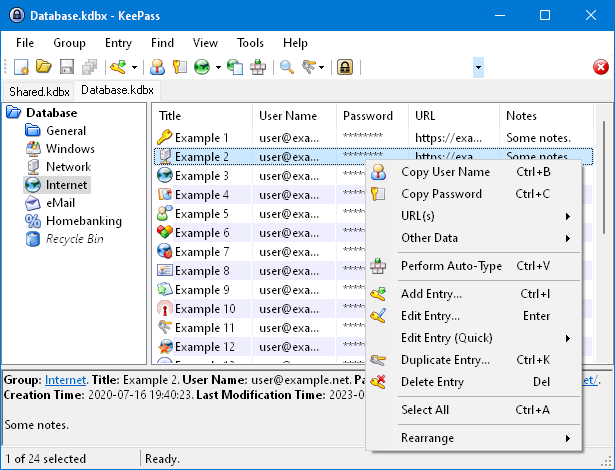
1. KeePass
KeePass takes the top spot on our list due to its completely free, open-source nature and extensive customization options. Although it might lack some of the more advanced features found in other managers, KeePass's plugin architecture allows users to extend its functionality significantly. Users can add autofill capabilities, change the interface, and more through a vast library of plugins and extensions.
One standout feature is its portability—KeePass can run directly from a USB stick without installation, making it highly flexible and convenient. This password manager is compatible with Windows, macOS, and Linux, offering a unified experience across all major platforms.
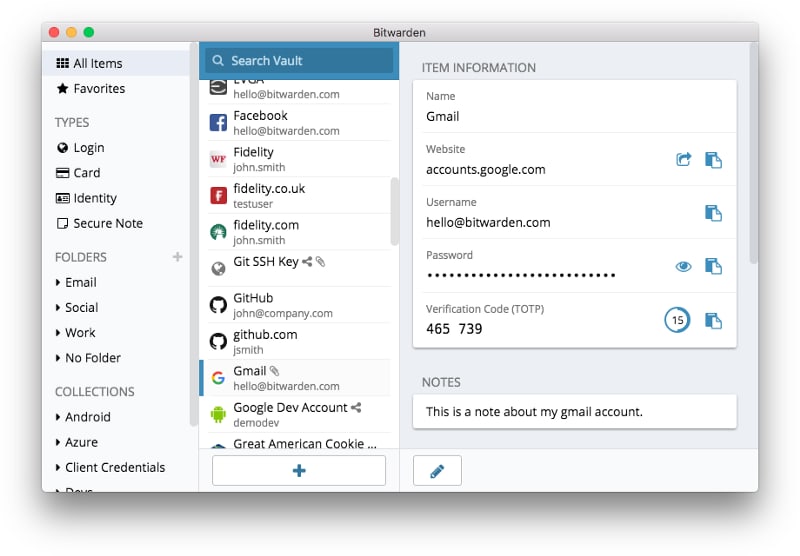
2. Bitwarden
Bitwarden is a widely recognized open-source password manager, well-regarded for its comprehensive feature set and cost-effectiveness. It supports multiple platforms, including Windows, macOS, and Linux, and integrates seamlessly with many single sign-on providers such as Azure Active Directory and Okta.
The Bitwarden desktop app allows users to manage up to five accounts simultaneously, making it easy to switch between personal and work profiles. Additionally, the "unlock with biometrics" feature leverages Windows Hello for secure and quick access using PINs, facial recognition, or other biometric data. Bitwarden's flexibility in hosting options—whether self-hosted or cloud-based—makes it a versatile choice for both individuals and enterprises.
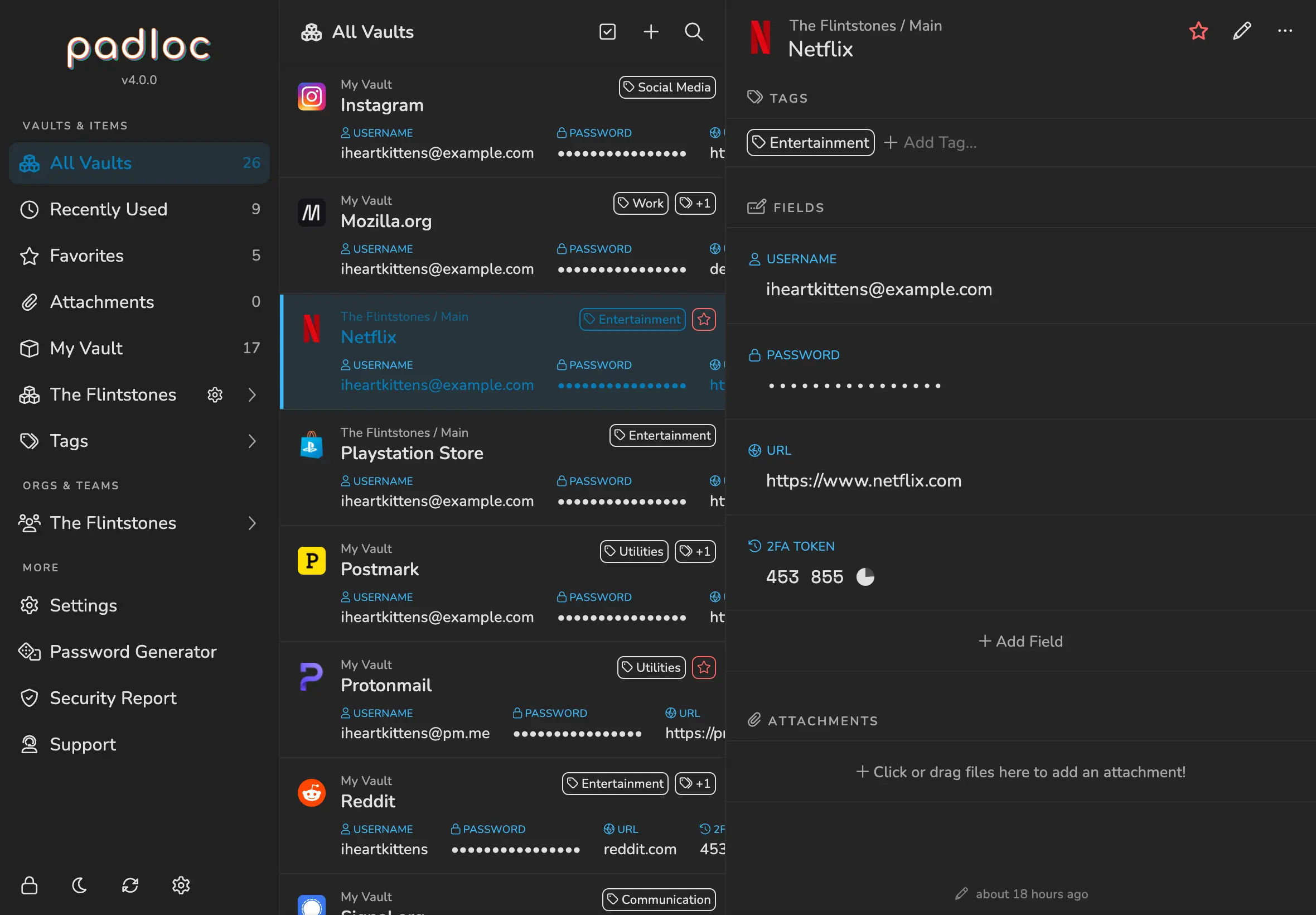
3. Padloc
Padloc offers a simple yet effective solution for managing passwords, credit card information, documents, and notes securely. It supports a variety of platforms, including Windows, macOS, and Linux, making it a versatile choice for users across different systems.
Padloc's free version provides unlimited vault items and device connections, while the premium version adds features like multi-factor authentication, security reports, and built-in one-time passwords. Organizations might find the Family and Business packages particularly useful due to features like shared vaults and other collaborative tools.
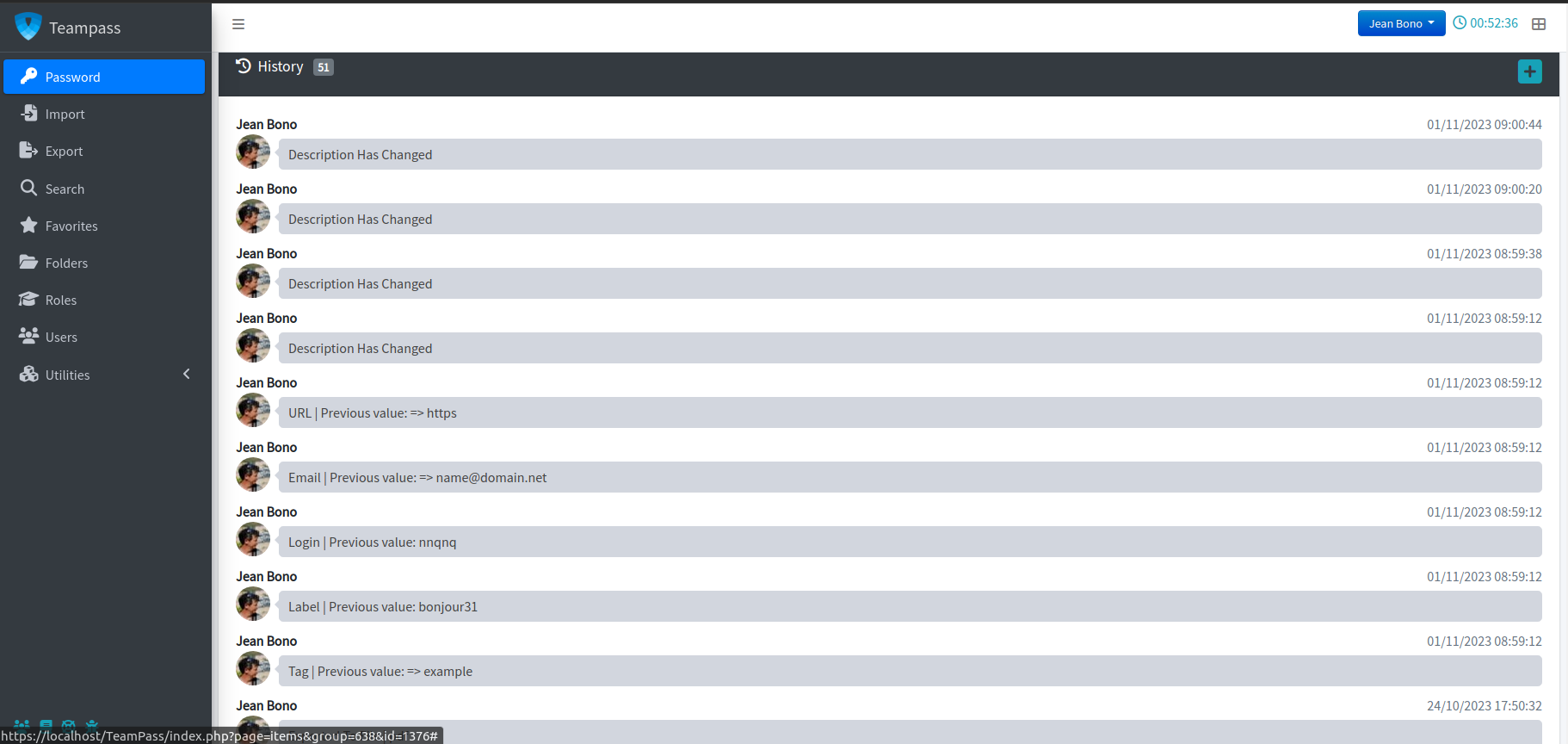
4. Teampass
Teampass is designed with team collaboration in mind, providing a secure and organized way to manage passwords and data. Its Windows version, along with support for macOS and Linux, offers a robust platform for defining access rights, organizing folders, and managing user roles.
This password manager uses the Defuse PHP encryption library to secure user data, ensuring that each team member’s information is protected. Teampass also allows for the creation of personal folders and custom fields, offering flexibility in how passwords and data are stored and accessed.
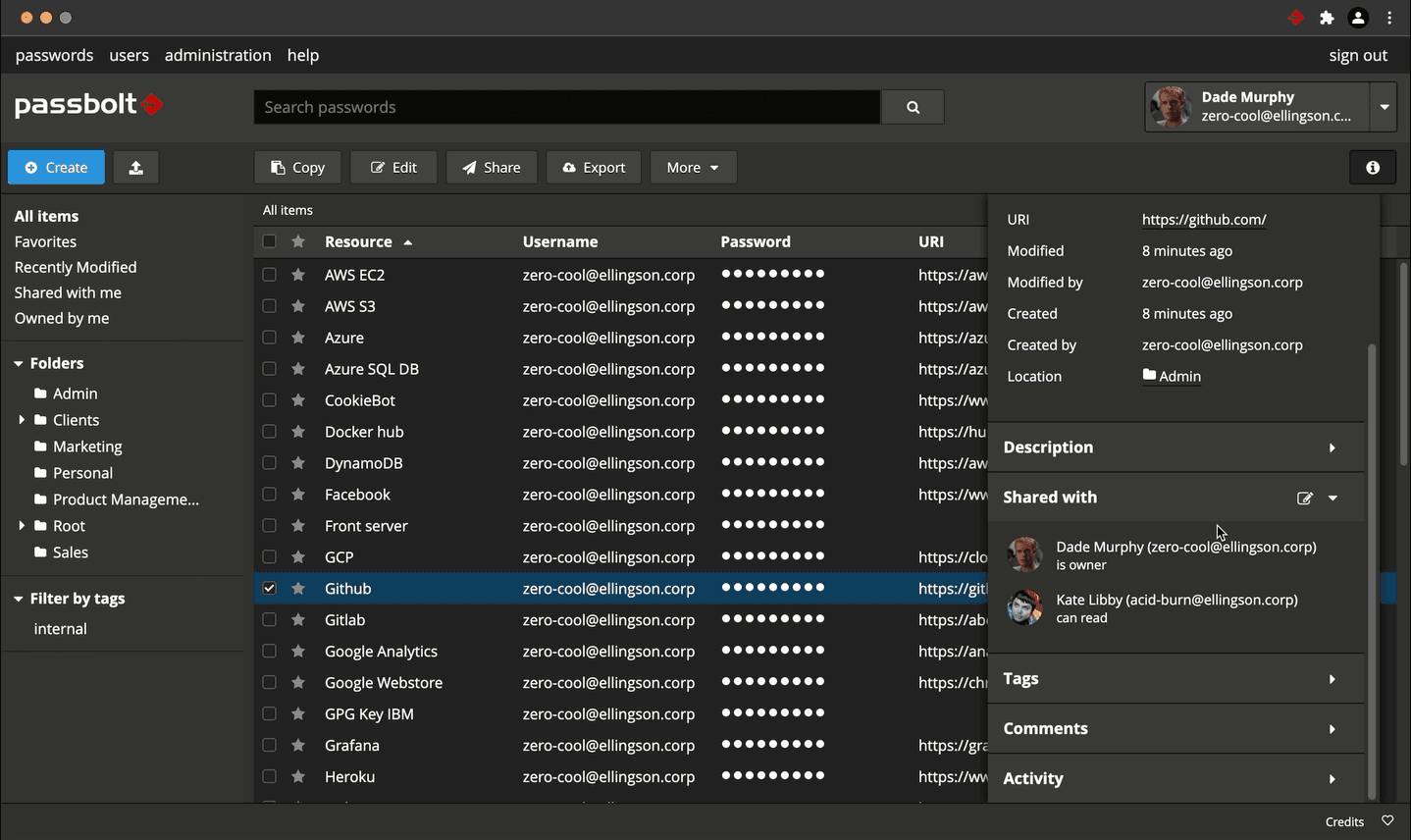
5. Passbolt
Passbolt is another excellent choice for teams, with a strong focus on real-time password sharing and role-based access control. It's available on Windows, macOS, and Linux, making it accessible for a wide range of users.
Passbolt’s Windows version provides comprehensive features like nested permissions, JSON API integration, and detailed event logs, making it particularly well-suited for business environments. It also supports SSO integration and offers robust user management features, allowing administrators to enforce security policies and manage user access effectively.
How to Choose the Best Open Source Password Manager
When selecting an open-source password manager, it's important to consider your specific needs. For instance, KeePass is an excellent option if you prioritize customization and zero-knowledge security. For those who need team collaboration features, Bitwarden or Passbolt might be more appropriate due to their extensive support for business environments.
Additionally, ensure that the password manager you choose is compatible with your operating system, whether it's Windows, macOS, or Linux. This compatibility is crucial to ensuring a smooth and integrated experience across your devices. A password manager is one of the best security tools you can use, especially when paired with a trusted VPN service for enhanced protection.