

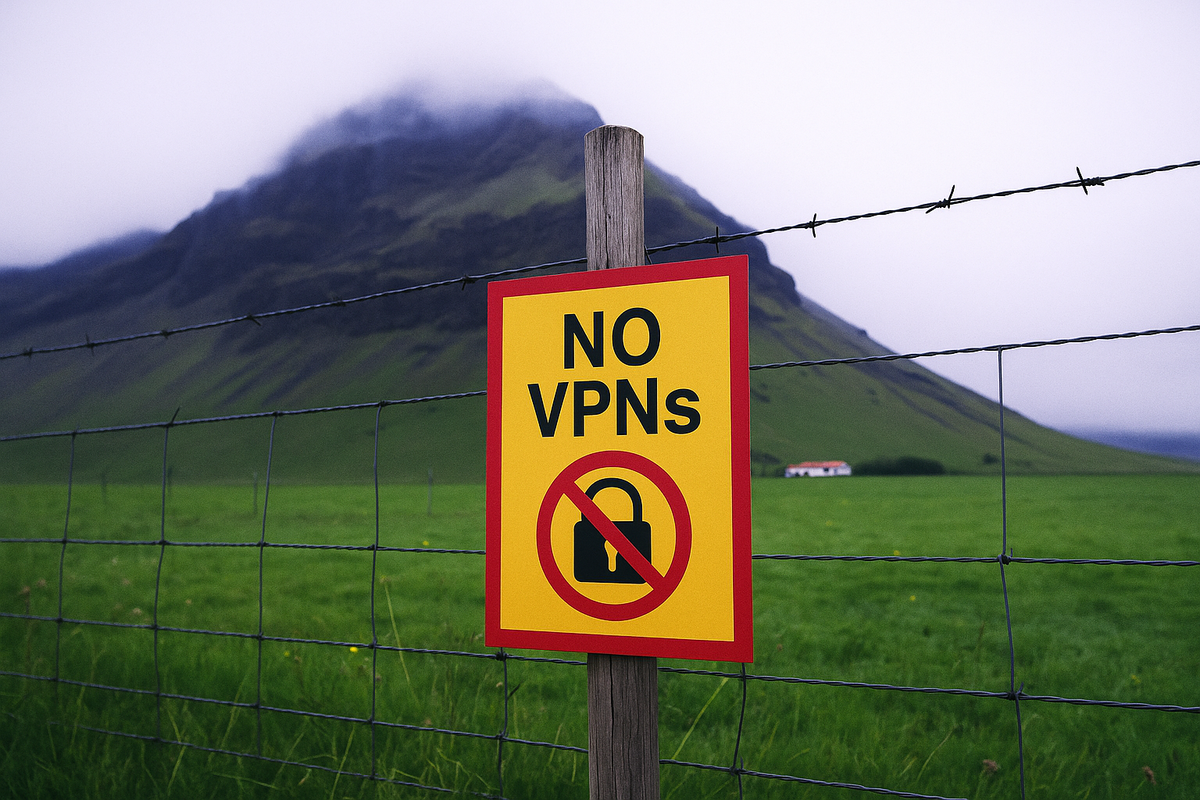
You may have noticed an alarming trend in 2025—more websites are blocking VPN traffic. This isn't just your imagination. With the explosive growth in web automation, security concerns, and stricter content geo-fencing, platforms are getting more aggressive about banning users who appear to be using a VPN. Unfortunately, this often forces you to disable your VPN just to access basic online services.
But here’s the thing: VPNs are essential. Whether it’s shielding your IP from shady ISPs, avoiding aggressive trackers, or safely browsing on public Wi-Fi, turning your VPN off defeats the entire purpose. So how can you continue to enjoy the benefits of VPN protection when websites are trying to shut you out? Let's take a look.
VPN Geo-Blocking: Still a Major Issue
One of the most common VPN use cases is bypassing geographic content restrictions. Want to read your hometown news while traveling? Stream your local team’s big game? Or just access familiar content in your native language? You’ll quickly find that many websites block foreign IPs—or worse, VPN IPs entirely.
That’s where TorGuard comes in. Unlike oversold “Top 10” VPNs that are frequently flagged and blacklisted, we offer fresh, rotating shared IPs, as well as premium Residential and Dedicated IP options in locations around the world. These IPs offer stealthy, secure access to the regions you need without raising red flags.
VPN Blocking as a Response to Automation and Bots
According to the 2025 edition of the Bad Bot Report by Imperva, bots now make up over 51% of all internet traffic. That means for the first time in a decade, machines have overtaken humans online. Much of this activity comes from web crawlers, AI scrapers, and (yes) bad actors using VPNs to scan for vulnerabilities or spam social media platforms.
This surge in automated abuse is why websites and CDNs are tightening the screws on VPN traffic. Free VPNs and popular “proxy” services are the first to be blocked. If a VPN is offering a free plan or claims millions of users, rest assured their IPs are already blacklisted or next on the chopping block.
At TorGuard, we don’t run bloated ad campaigns or oversell our network. We keep things lean, which means our IPs aren’t hammered by abusers or blocked by default. Our goal is high-quality IP access, not mass-market exposure.
Why Disabling Your VPN is a Bad Habit
If you’re forced to disable your VPN multiple times a day just to check email, post on Reddit, or buy something online—ask yourself: what are you paying for?
Turning your VPN off repeatedly exposes your IP, bypasses ad-blockers and trackers, and breaks the secure tunnel protecting your traffic. Each time you do it, you’re drawing a line directly from your anonymous VPN activity to your real-world identity. Not ideal.
TorGuard is designed to be your always-on VPN. With options like clean shared IPs, Dedicated IPs, and stealth Residential IPs, you won’t need to disconnect every time a CAPTCHA pops up.
Not #1—and That’s a Good Thing
In the VPN world, being too popular is a curse. Top-ranked VPNs advertise everywhere—from podcasts to primetime TV—and then struggle to maintain IP reputation as floods of users hammer their networks.
At TorGuard, we’ve taken a different path. You won’t find us sponsoring sports teams or plastering YouTube with influencer ads. Instead, we invest in what matters: fast servers, clean IP space, and a reliable VPN experience.
The result? Our users don’t have to fight through a dozen CAPTCHAs just to load Google. And they rarely have to disable the VPN to access banking, shopping, or social media.
Get Back Online—With a VPN That Works
If your current VPN is constantly getting blocked or flagged, it might be time to try something better. TorGuard offers clean Shared IPs, and for those who want even more reliability, we’re giving away a FREE Dedicated or Residential IP in the location of your choice with our latest VPN promotion.
Skip the blocks. Ditch the disconnects. Surf the web the way it was meant to be—with speed, privacy, and full VPN protection.