

The door has been open for BlueKeep attacks for quite some time now. Since none were reported or recognized, they seemed to be more of a mythical beast than a threatening reality. Recently, a BlueKeep exploit attack was successfully launched on a Microsoft device, and people are starting to listen. Microsoft warned vulnerable users in May of 2019 that these attacks were a possibility, and the people who didn’t take immediate action to protect themselves are liable to be attacked at any moment.
What Does BlueKeep Do?
BlueKeep can give a hacker the ability to remotely execute malicious code on certain Microsoft operating systems. There is much room for interpretation in exactly what that may mean. No attack on anyone’s system by a remote hacker is ever a good thing, but since the vulnerability can be exploited in a virtually limitless amount of ways, there’s no telling just how bad things can be. The stage is essentially the same as it was when the NotPetya and Wannacry attacks were launched. It’s best not to wait to see where this vulnerability will lead before taking action.
The first verified BlueKeep attack was used by the hacker to hijack someone’s computer for the purpose of cryptocurrency mining. While this is not the most serious offense possible, it’s enough to demonstrate that it’s easy enough for malicious people to take advantage of the vulnerability and the process has already begun.
Since BlueKeep can propagate itself throughout devices that share a network, it only takes one compromised computer in an office to infect an entire business. A single unprotected machine is a massive liability.
Who is Impacted By BlueKeep?
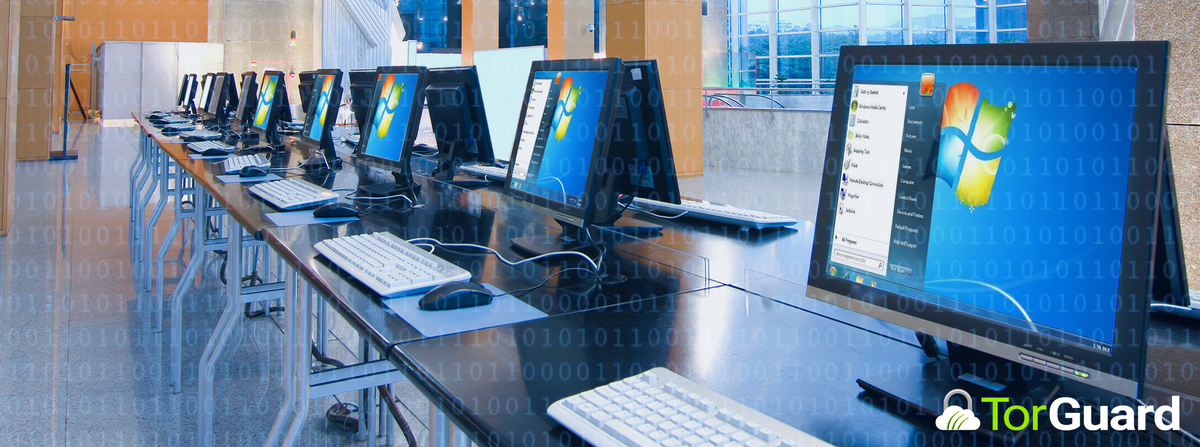
BlueKeep attacks only work on what Windows calls “legacy operating systems”. While this includes operating systems as old and outdated as XP and Vista, it also includes operating systems as recent as Windows 7. Many people will well maintained computers, especially businesses, are still utilizing the Windows 7 operating system. An alarming amount of people are at risk for what can potentially become a devastating series of hacks.
Protecting Yourself from BlueKeep
Microsoft released a patch to protect against BlueKeep attacks, but people are notoriously bad at remembering to apply patches and updates. These things disrupt workflow or are viewed as an inconvenience, leading users to infinitely procrastinate.
Some users complained that the patch couldn’t be properly utilized, stating that it made their machines freeze or wouldn’t properly install. Unfortunately, Microsoft’s patches and updates do have a complicated history with being less than reliable, with some users opting to roll back updates because they’ve created more problems than they’ve solved.
If you’re using an out of date Windows operating system, the best method to protect yourself from a BlueKeep attack is to update your entire OS. You won’t have to worry about a problematic patch, and you’ll be better equipping yourself to defend against future attacks. Even if it’s inconvenient, you should always apply updates as soon as they’re available. It’s just a little bit of time that can save you a lot of grief in the long run.