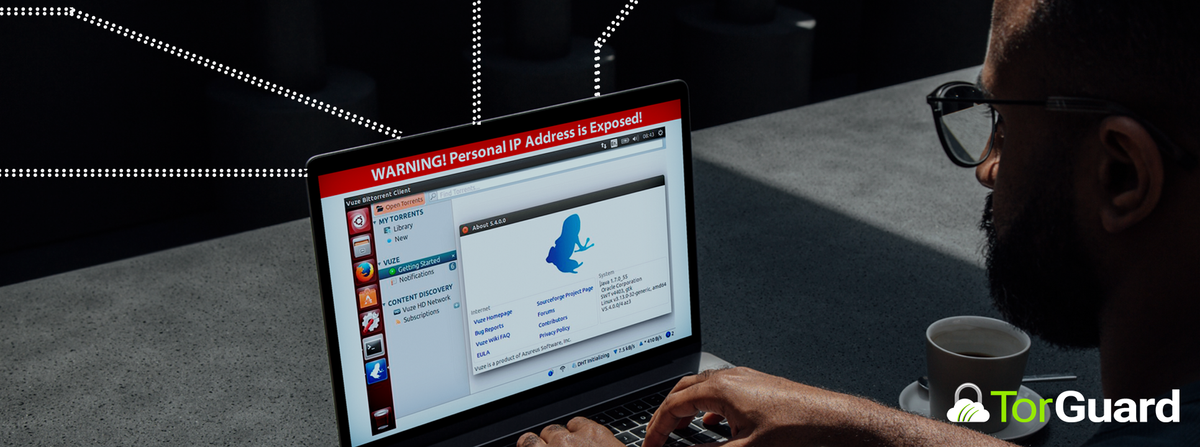
If you’re attempting to move under the cover of anonymity, you need to make sure your IP address is in on the plan. Before you download a torrent, it helps to check your torrent IP address and make sure the results are keeping you hidden from your nosy internet service provider.
Do I Need a VPN or Proxy to Download Torrents?
Technically, you don’t need a VPN or proxy to download torrents. You can download a torrent directly from your browser, publicly, on the open internet. When you do that, you assume all the risks that come with it. Anytime you are downloading a torrent file your IP address is visible to the larger swarm that is provided you the download.
If you’re downloading something under other circumstances, or your ISP doesn’t allow BitTorrent then you’re going to raise some red flags. Your internet service provider can see what you’re doing. If the content you’re downloading is through your personal IP address then your IP address and personal identity could be linked to that download.
Of course it’s wrong to illegally download things, but it doesn’t need to be anybody’s business what you’re downloading. When you use a VPN or a proxy to download torrents, you’re hiding yourself and your activity from anyone who may feel inclined to watch it. What you do is your business, and it should stay that way.
Why Do I Need to Check My Torrent IP Address?
Checking your torrent IP address is necessary to establish that your VPN or proxy is working as it should before you begin to download a torrent. Mis-configurations can leave you completely vulnerable. Never assume that your VPN and your torrent client are working perfectly together – you should always look before you leap. Checking your torrent IP address is easy, and taking a few seconds to make sure you’re protected is undoubtedly worthwhile.
Using a Tracking Torrent
TorGuard offers a free check my torrent ip tool that will allow you to check your torrent IP address. It is essentially a blank torrent. It’s a file with no seeders, no peers, and no content. A one-time use, unique dummy file is generated for every request. You’re the only person who has that file, so any data attached to that file will be yours. Simply download the tracking torrent and open it with your torrent client of choice. Once you do, the window on the page will show your results. Act quickly, because all data is permanently destroyed after 5 minutes to protect your privacy.
Interpreting Your Results
If your VPN and your torrent client are properly configured, the window should show the same IP address that your browser shows. That IP address should be the one provided by your torrent client, not the one provided by your internet service provider. If something doesn’t match up, you’ll need to troubleshoot.
If you’re using a torrent proxy, your torrent IP address and your browser IP address will still be different. Note that only SOCKS5 proxies will work with torrent clients – HTTP proxies won’t do anything to promote your anonymity. The IP address of the proxy should be different from your IP address when you’re not using that proxy.
If things aren’t adding up, a likely cause is that you started your VPN or proxy at the wrong time. Make sure you’ve completely closed your torrent client, restart your VPN or proxy connection, and then close and re-open your torrent client. Try the test again. This will almost always solve the issue.
Download Torrents with TorGuard VPN
Privacy minded torrent VPN users connect through TorGuard VPN whenever they download. We offer lightning fast speeds and unlimited bandwidth for up to eight devices. Run torrents on your laptop, phone, and tablet at the same time without suffering from slow speeds. Best of all, your activity is completely anonymous. Stay safe with TorGuard VPN.