Setting up a proxy for downloading torrents can be an annoying task for some. To get around this headache, TorGuard now offers easy to use software that will setup your Torrent Proxy on Windows in just a few seconds. This installer will work with all the latest versions of uTorrent, Bittorrent, Vuze and Deluge. No need to fumble around with your connection settings, this app installs the settings for you.
Before we begin setting up the Torrent Proxy, first make sure to close all torrent clients completely or the settings may not take effect properly.
1.) First, download and run the Windows Torrent Proxy installer
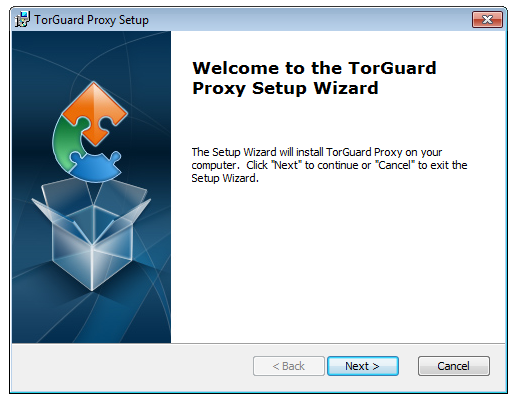
Proceed through the setup screen and click next to continue installing the torrent proxy software in your desired location.

2.) Once installed, locate and run the TorGuard Torrent Proxy application on your start menu.
Enter the proxy Username and Password you setup when registering for TorGuard Proxy service.
Choose the proxy server you wish to connect to (Default will connect to the fastest possible server).
Choose your torrent software (utorrent, bittorrent, Vuze or Deluge).
Click Apply settings!
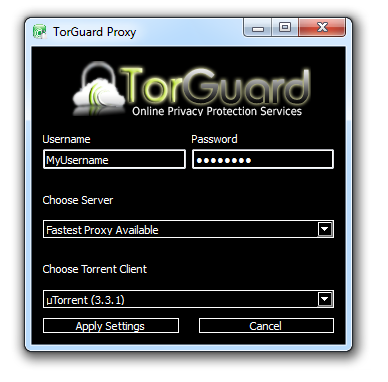
Thats it… Your anonymous torrent proxy settings have now been applied for optimal security on the torrent client of your choice. (Utorrent, bittorrent, Vuze or Deluge)
Your can verify your torrent IP using our Check Torrent IP tool.