This VPN how-to describes how to connect to a TorGuard “Stealth” SSTP VPN server by using the Easy SSTP app for Mac OS.
MS-SSTP (Microsoft Secure Socket Tunneling Protocol) is a VPN protocol which is developed by Microsoft Corporation. This protocol implements PPP over HTTPS (SSL) and capsules all user packets on TCP So it can bypass even the most strict firewall or VPN blockade. This means those located behind the great firewall of China or Iran can tunnel their web connection without fear of it becoming blocked. SSTP VPN tunnels are virtually invisible and impossible to distinguish as to a network admin it will appear as regular SSL traffic.
Bypass Even The Toughest VPN Filters

This tutorial explains how to setup a SSTP VPN connection on Mac OS with TorGuard.
Step 1.) First download the Easy SSTP app for Mac OS from this link.
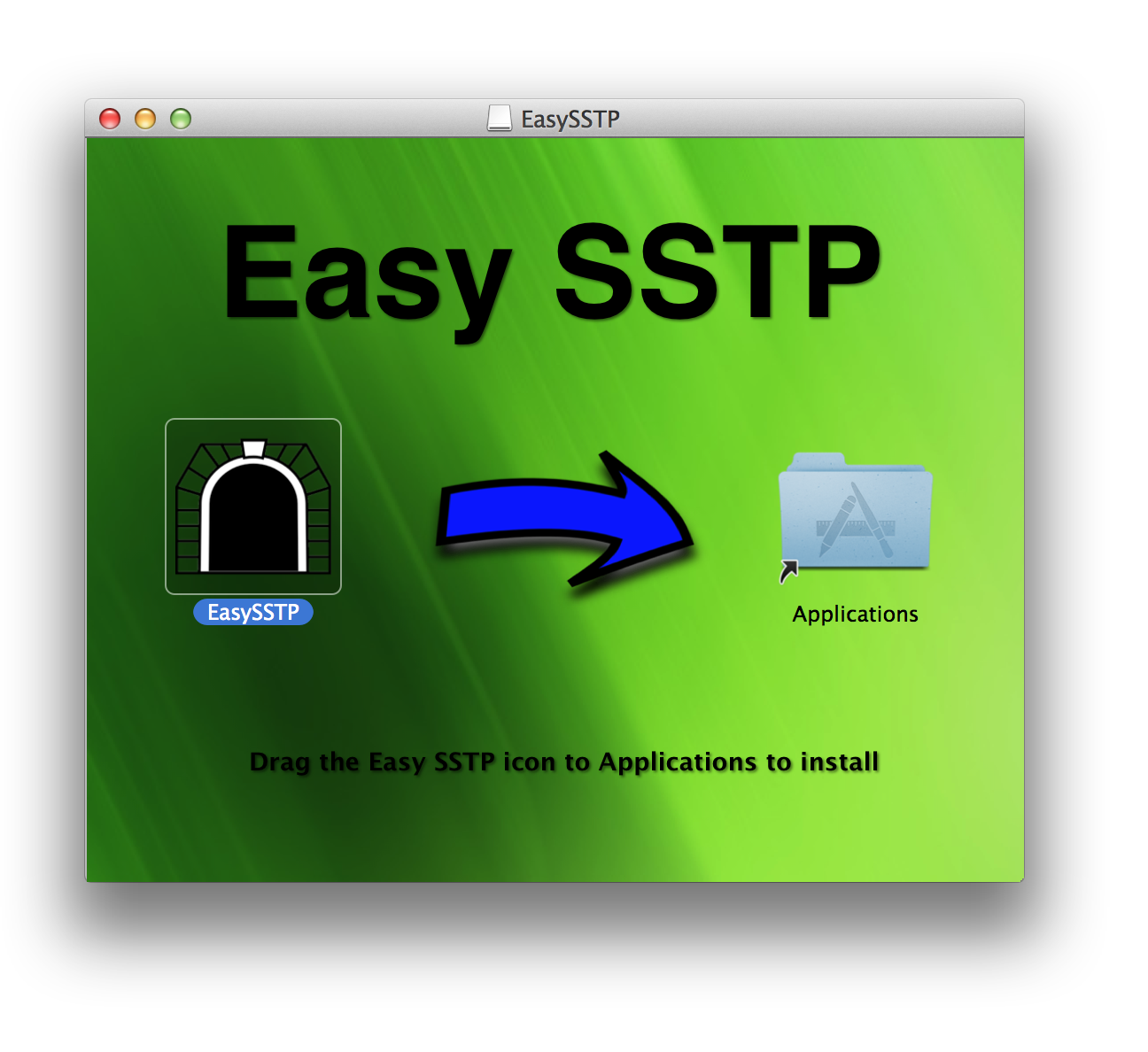
Run the installer and click/drag the EasySSTP app to your Applications Folder.
Navigate to your Applications folder and start the EasySSTP VPN app.
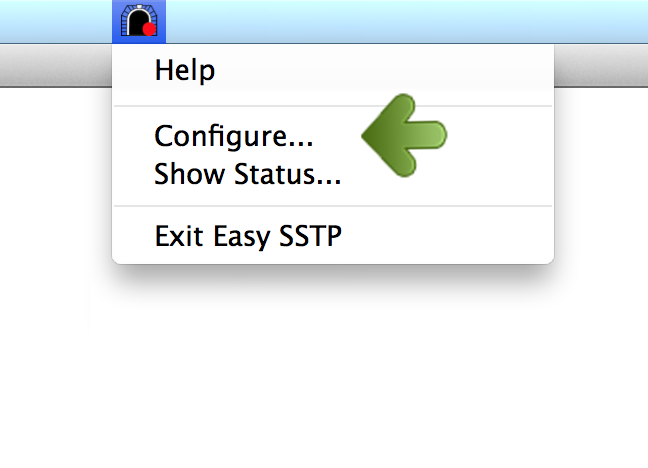
Step 2.) This will load the EasySSTP icon in your top tray. Click the app and select “Configure…”
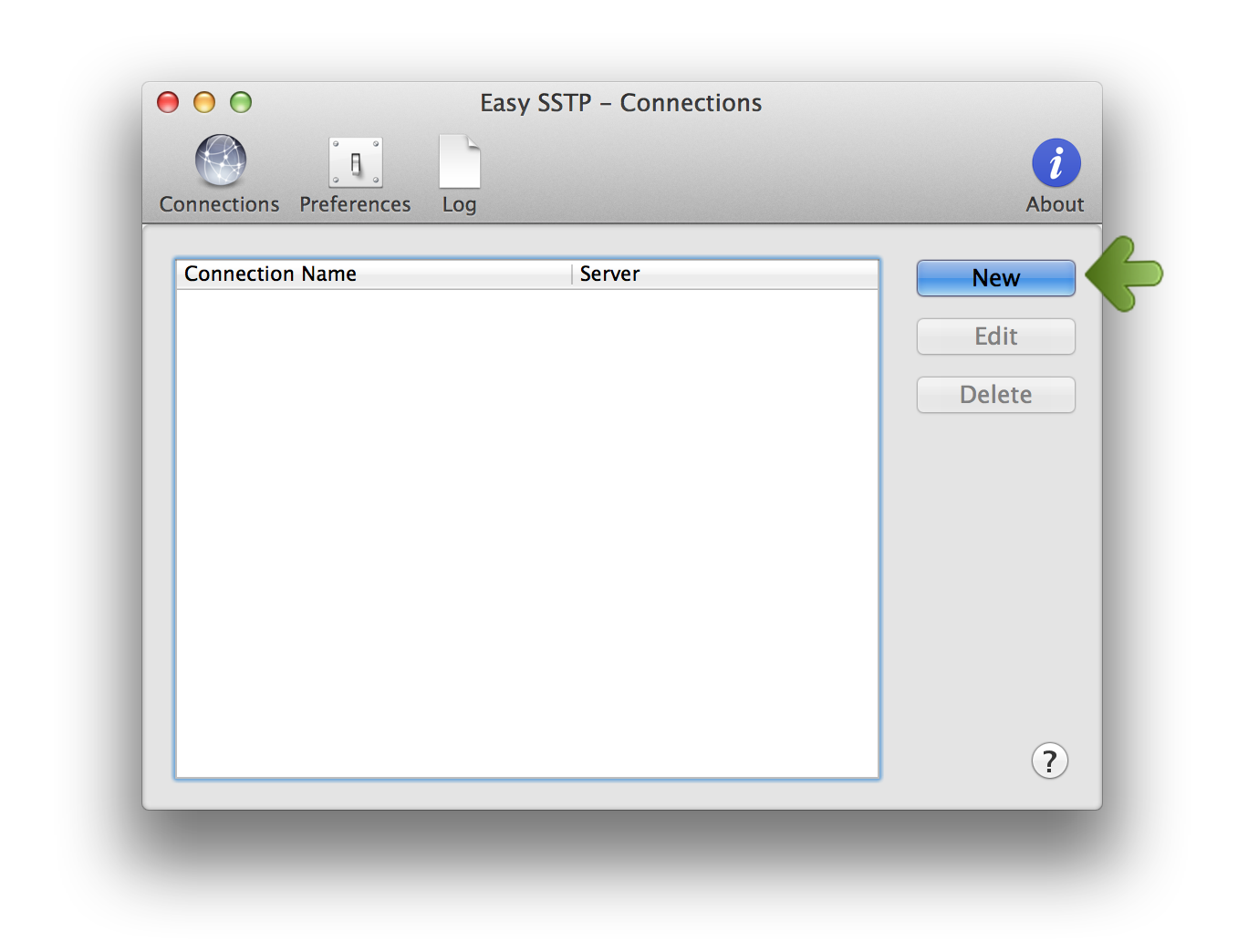
Step 3.) This will load the EasySSTP connections window. Click the “New” button to add a TorGuard SSTP VPN connection option.
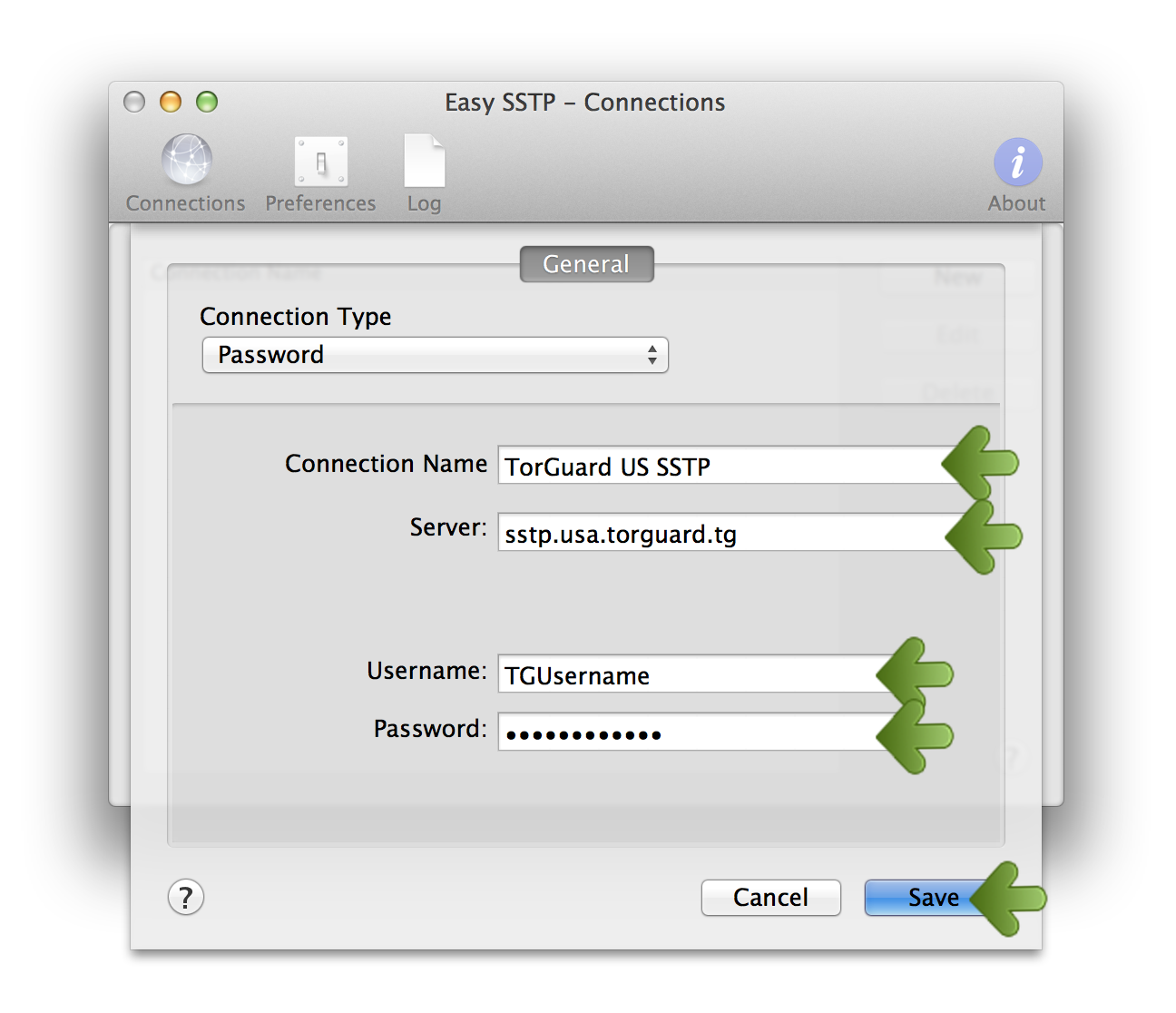
Step 4.) Add the “Connection Name” as TorGuard US SSTP (or other location if chosen).
Add the server as sstp.usa.torguard.org
ProTip: You can find a full list of SSTP VPN locations in the members area under My VPN Servers.
Enter your VPN username and password and click the “Save” button to add the VPN connection.
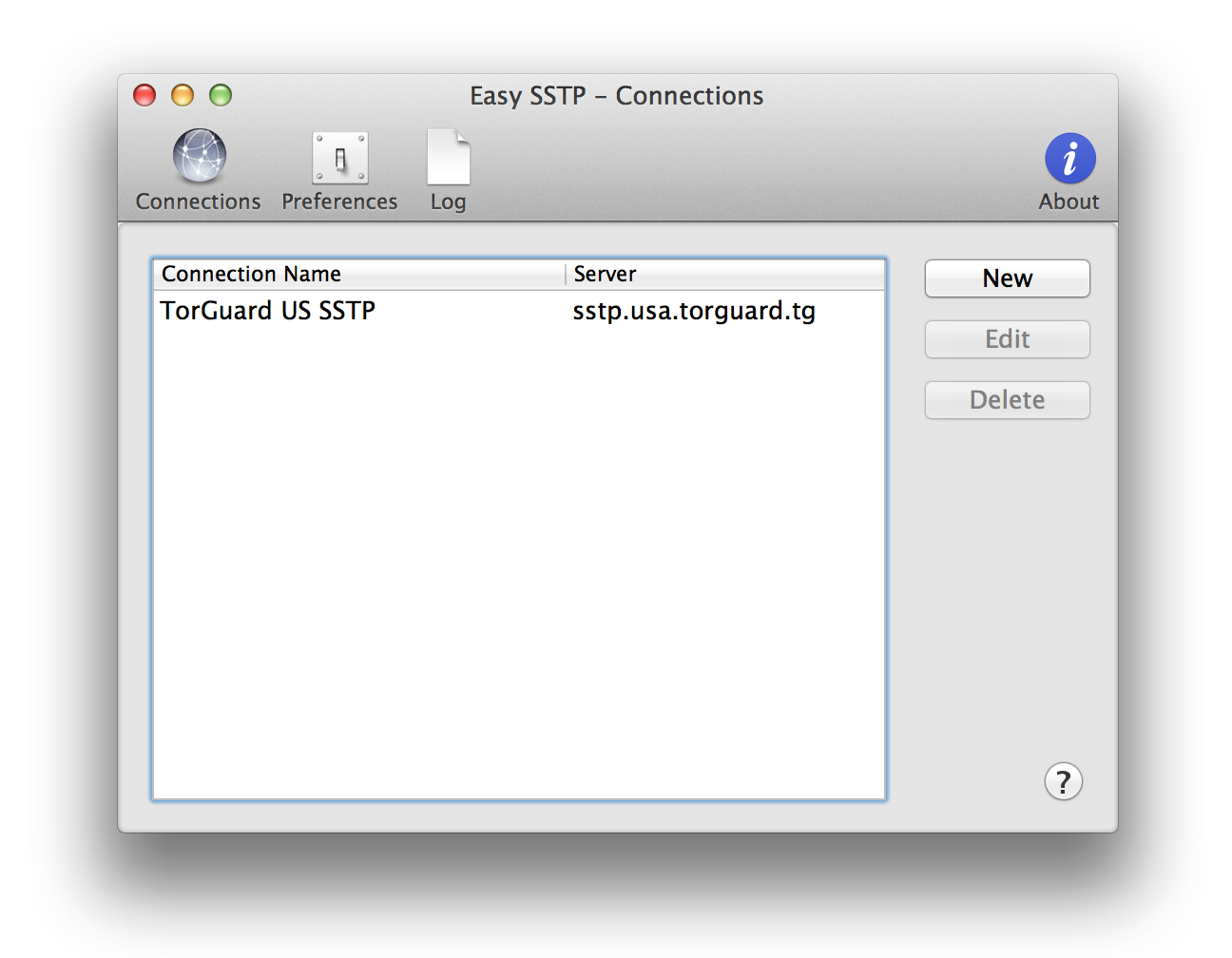
Step 5.) You should now see the newly added SSTP VPN connection in the Connections window:
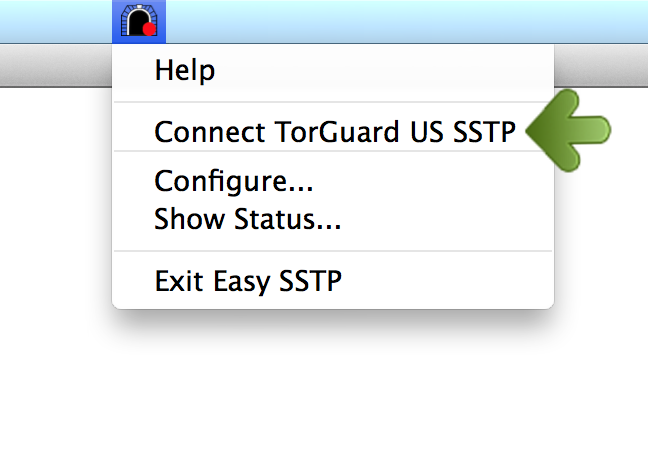
Step 6.) To connect, click the Easy SSTP icon in your top bar and click the newly added VPN location “TorGuard US SSTP“.
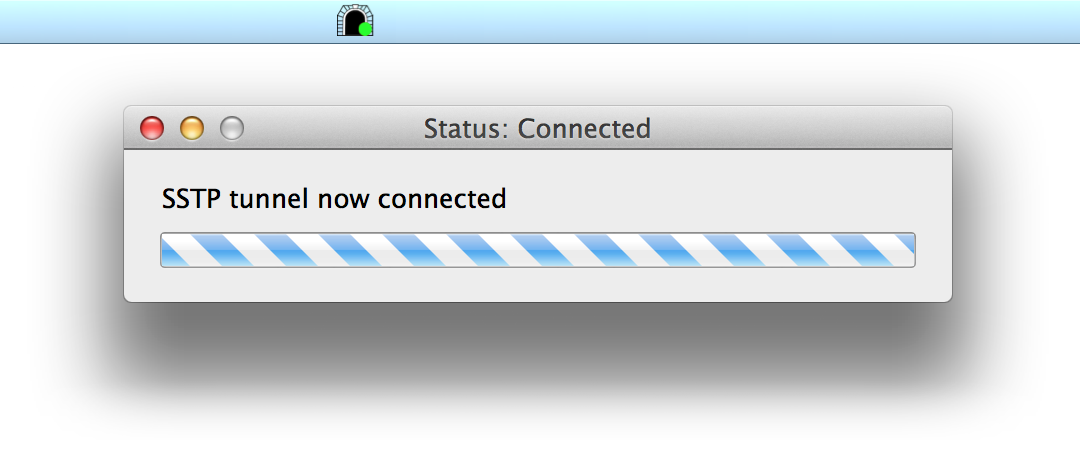
Step 7.) You should then see the Connected message! Your entire connection is now tunneled through a secure TorGuard SSTP VPN server.