

TorGuard makes it easy to setup OpenVPN in linux. For this tutorial we will install the TorGuard OpenVPN client in ubuntu desktop. Let’s get started:
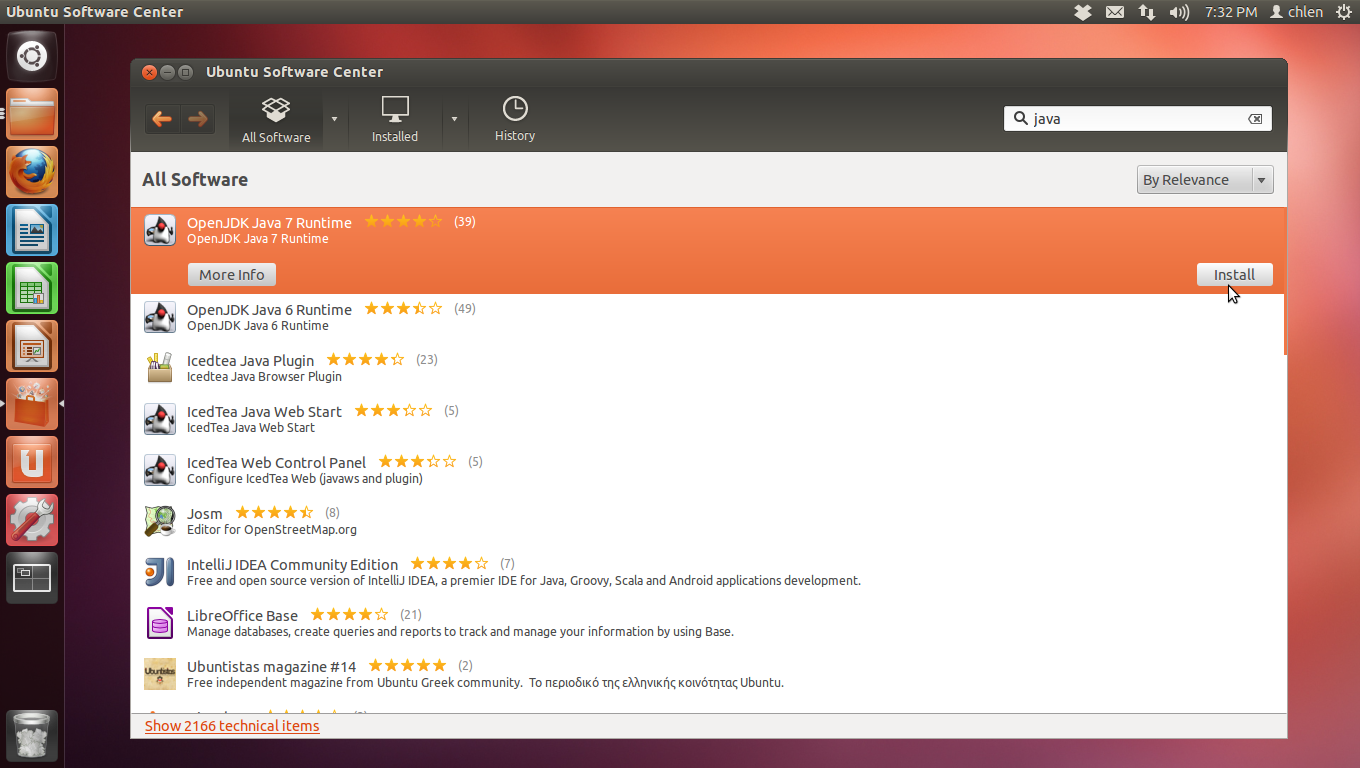
Step 1.) From Ubuntu Software Center, Install “OpenJDK Java 7 Runtime”. This is a requirement needed before setting up TorGuard OpenVPN.
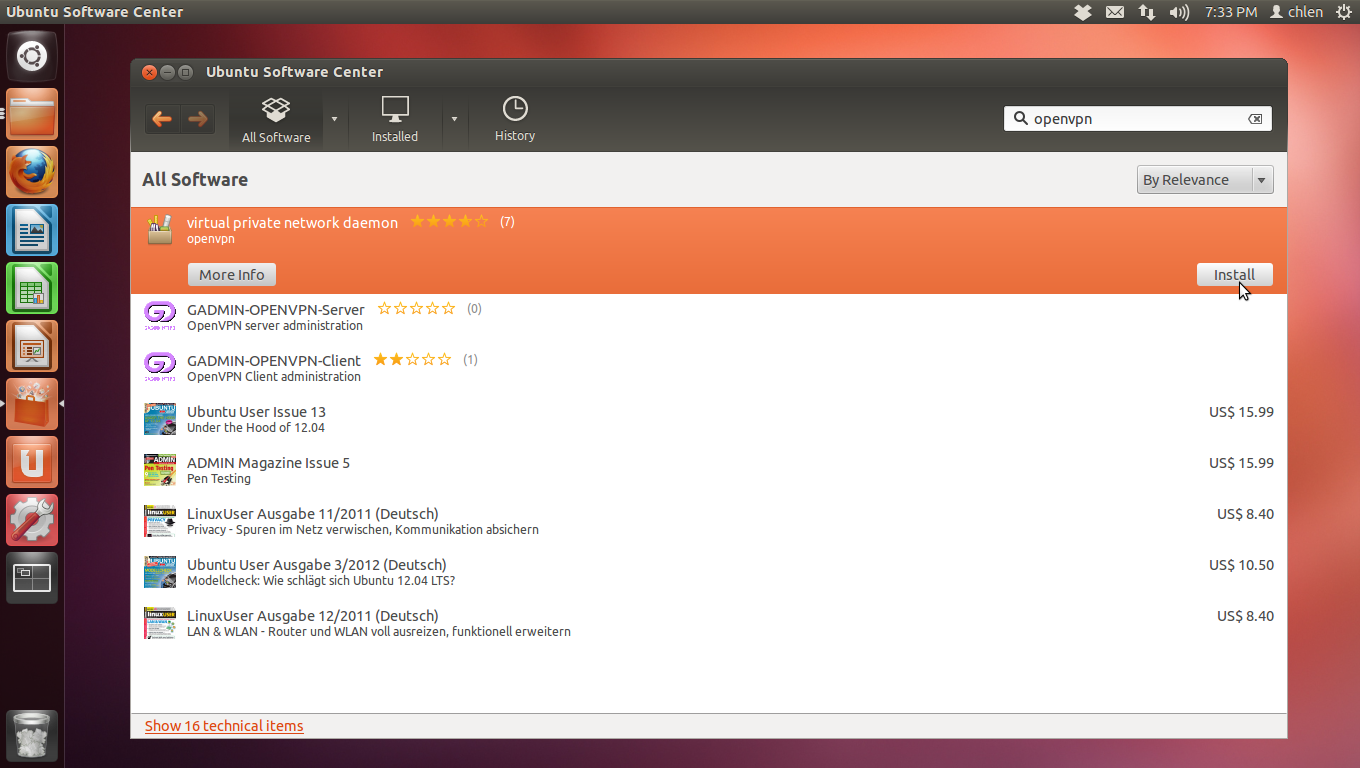
Step 2.) From Ubuntu Software Center, Install “Virtual Private Network Daemon”
TorGuard provides an easy to install app for linux users that uses OpenVPN. Here’s how to setup:
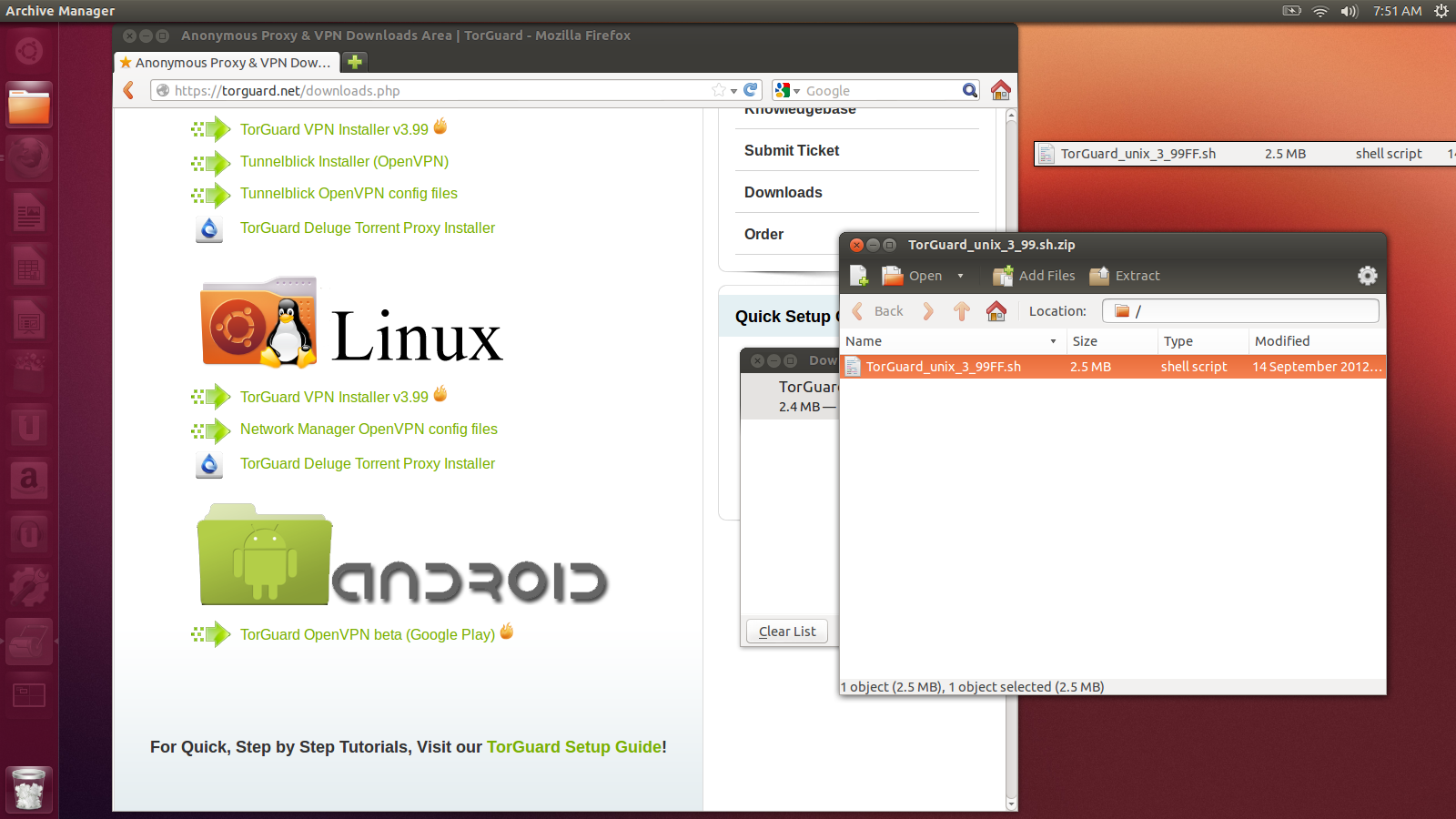
First, visit TorGuard’s download page and select the 3.99 installer for Linux.

Open the zip file and extract the .sh installer to your Desktop

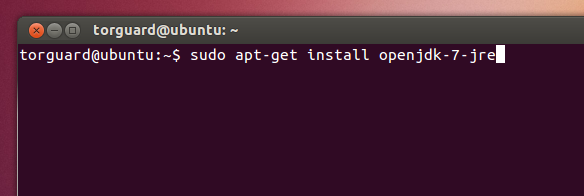
If you have not yet run the installer, you must have Java setup. Open the terminal and run:
sudo apt-get install openjdk-7-jre
Next, access your Desktop directory.
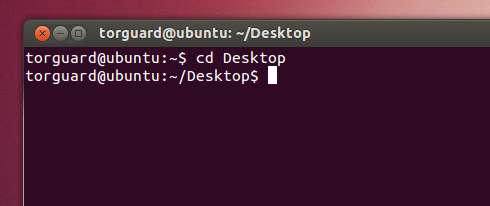
Run the command:
chmod +x TorGuard_unix_3_99FF.sh
./TorGuard_unix_3_99FF.sh
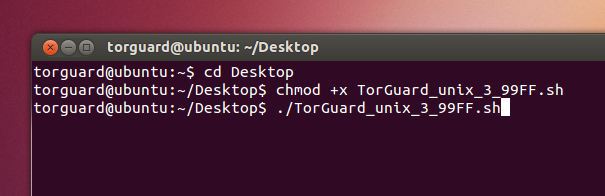
This launches the setup wizard, accept the agreement and click next.

Verify the install path and select next..

The install wizard is now compelte, just click finish.

To start the TorGuard OpenVPN app, search for torguard and run the application.

The TorGuard OpenVPN app will download and install the latest server config files. Enter your VPN username and password from your activation email and click connect.

That’s it! Your now connected to TorGuard using OpenVPN encryption.
