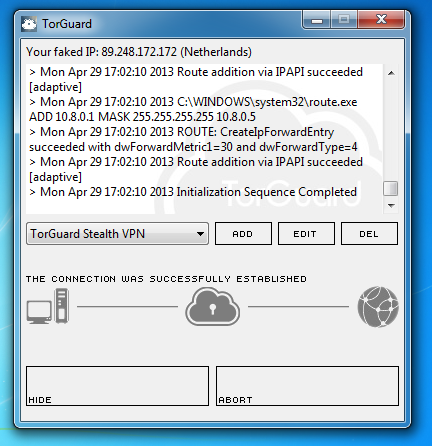
TorGuard Stealth VPN service is a privacy tool that empowers one to bypass censorship anywhere in the world. Unlike normal VPN traffic which can be filtered or blocked by an ISP, TorGuard Stealth VPN service will appear as regular HTTP traffic making it virtually impossible to block. This VPN service connection also features increased encryption protocols making it the most secure VPN experience possible, worldwide. This guide will show you how to configure TorGuard Stealth on any Windows system.
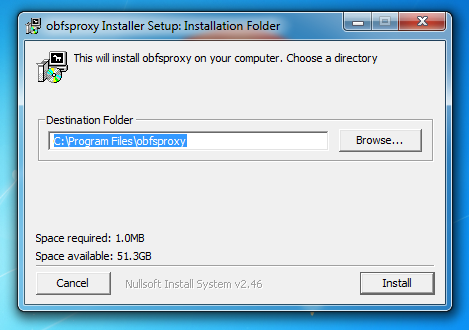
1.) This tutorial assumes you have already installed the TorGuard OpenVPN software. To begin, download and run the stealth installer found here. Select “Run” and open the installer. Choose the Destination folder and click “install”:
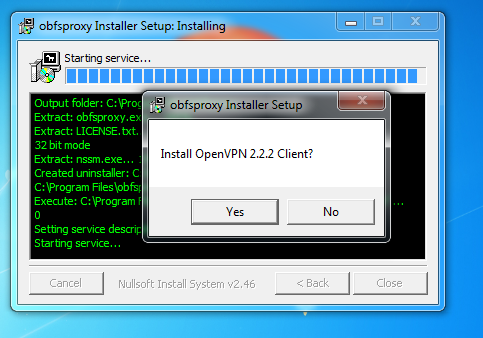
2.) Once the install process is complete, click “Yes” to install OpenVPN 2.2.2 if not already installed.IMPORTANT: Windows8 users must complete step (2.5) while Windows7 and WindowsXP users can proceed to step 3.

2.5) Windows8 Users: Download this DLL file from here and copy to your default install directory:(C:\Program Files (x86)\obfsproxy)
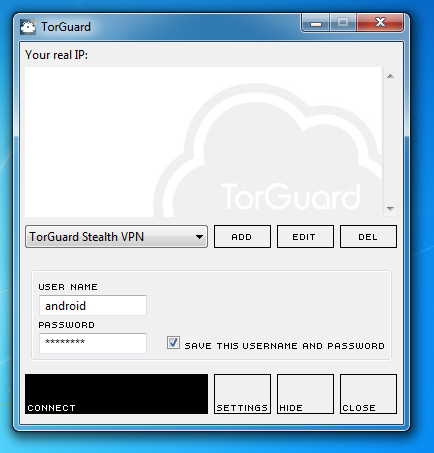
4.) That’s it! Your now connected to TorGuard’s invisible “Stealth” VPN Servers and can access your VPN anywhere in the world.