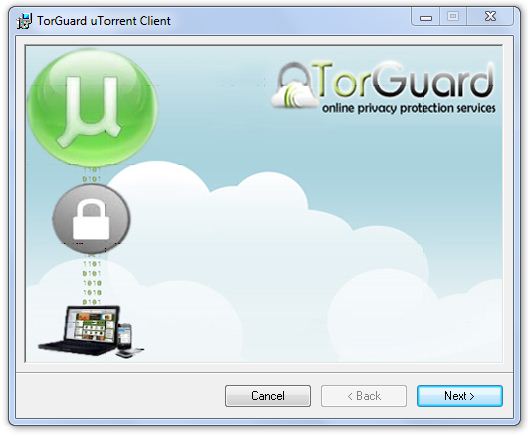
Setting up a torrent proxy with TorGuard is usually very easy. However, for those who are not so tech savvy, or who are in a rush – TorGuard offers the easy uTorrent Proxy Installer. Within just a few steps, you can install a TorGuard proxy protected version of utorrent on any Windows machine.
Due to some bugs in utorrent’s built in socks5 proxy support, we highly suggest using this older version of utorrent included in the installer below, or an alternative client like Deluge. Here is a step by step walkthrough on setting up TorGuard’s proxy service with utorrent:
1. First, download the TorGuard uTorrent client installer by clicking here. Select “run” to begin the install…
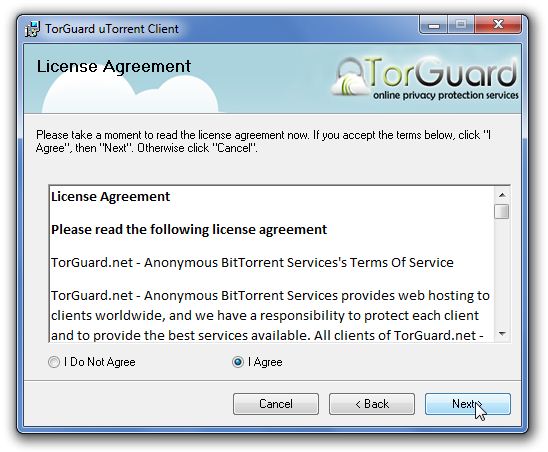
2. Real the Liscence Agreement, select “Agree”, and click next!
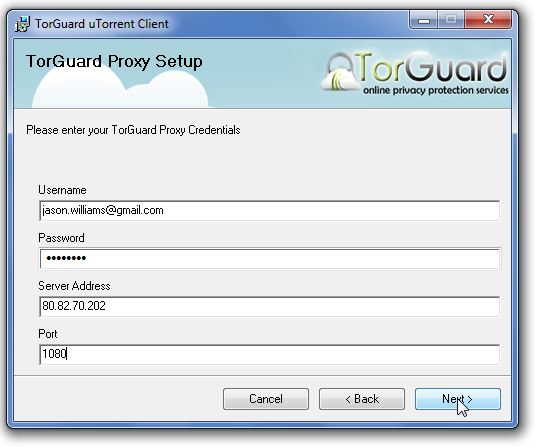
3. For this step, refer to your TorGuard Activation email you received when signing up. This will contain your username/password, Gigabit Proxy list and server address/port. If for some reason you can’t find the email, you can login to the client area anytime and click “My Emails” here to find your activation email. Cut and paste the info exactly how it shows in the email:
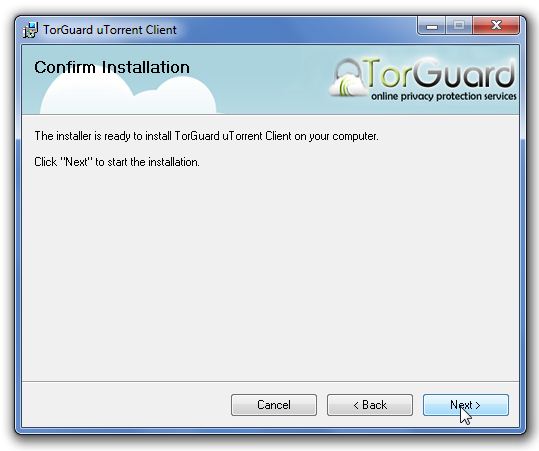
4. Confirm the Install of TorGuard by clicking next.
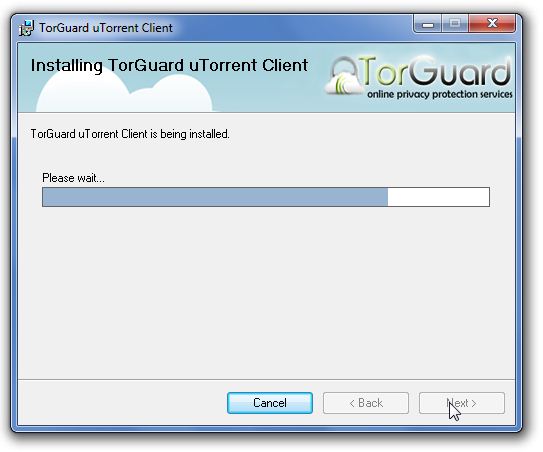
5. Installing……
6. Success! TorGuard uTorrent client has now been installed. You can now access your TorGuard protected uTorrent from your program files or by the TorGuard utorrent icon on your desktop.

If you have any questions during setup or install, please contact our tech support!