Data security is a serious concern when using any type of Android device. As you travel around between cellphone towers, public WI-FI, and private networks, you expose every piece of data you transmit and your smartphone to unseen potential security threats. Hackers, Nosey IT Admins, and Big Brother are able to scan for unprotected devices and access private info like emails, credit card numbers, and financial logins.
TorGuard’s Android VPN tool is the best way for you to access private or personal information when you are away from a computer with just your Android device. Our world is an increasingly mobile world, with people spending more time on mobile devices for everything include online banking, email, messaging, social media, and casual shopping and browsing. Android VPN service keeps you and your information safe so you can do what you need to without the fear of someone looking over your shoulder.
Setting up Android VPN Service is easy:
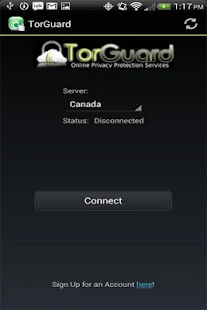
First, search for “TorGuard” on Google Play and install the official TorGuard app. Start the app and select the server you want to connect to:
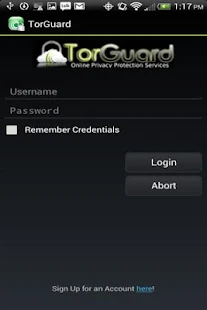
Next, enter your TorGuard VPN username and password and tap “login”.
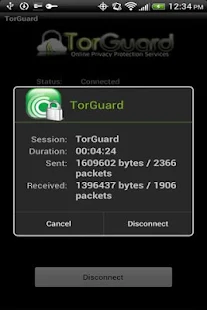
Your connected! Your Android VPN is now active and all of your applications that use the internet will be encrypted through a secure VPN tunnel.
Don’t risk your personal privacy on your mobile device. Buy an Android VPN today and get 5 simultaneous connections on all your devices!