

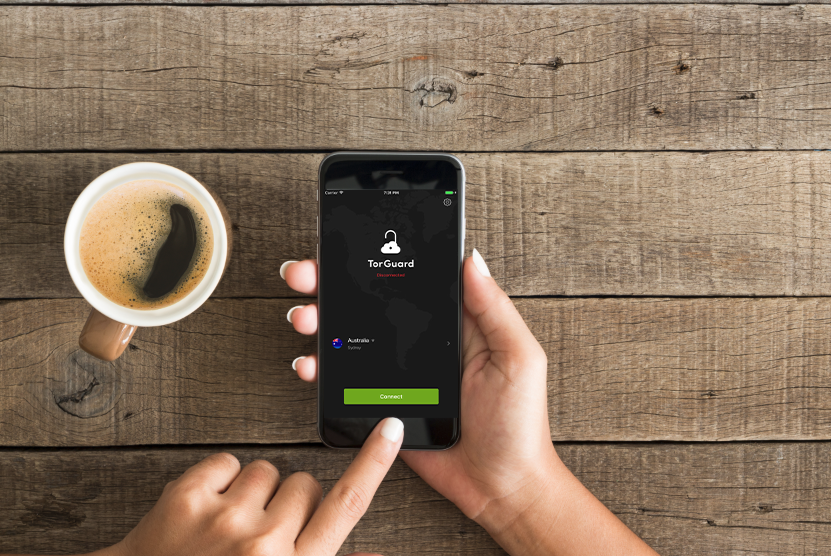
TorGuard for iOS is now updated with it’s biggest update yet! This update includes drastic UI changes, dedicated IP address integration, and a server favorite feature.
The new TorGuard iOS app has a modern new design that makes using the app even easier. The home screen of the app features a newly designed logo for TorGuard that shows your connection status.
Behind the TorGuard logo is an opaque image of the globe, a departure from the old sterile black background into something more visually appealing. The dark background is contrasted with an easy to see lime-green connect button that connects you to your selected server. You can now easily find the selected server and an available cogwheel that opens up the settings.
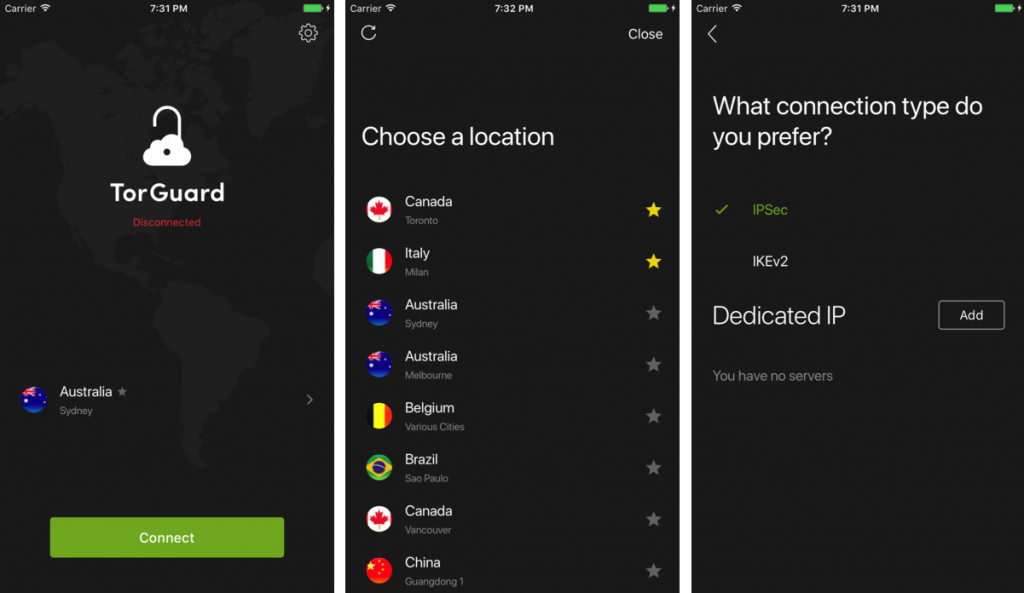

With the new app update, you can now add your dedicated IP purchased as an add-on from the TorGuard store which makes watching media, accessing online banking, or just browsing the web with your new unique IP that much easier.
Finally, if you have a favorite server, you can now just click on the star icon to make sure it’s easily found in the future to make connecting to your ideal server even quicker.
Why use TorGuard for iOS?
Mobile security is becoming more and more important as more of us use the internet on the go. Without the encryption of a VPN, governments and corporations like AT&T can collect and sell your data without any regulation.
By using TorGuard in internet cafes or through 3G/4G/LTE, you can protect your sensitive data, passwords, and make sure that your privacy doesn’t get compromised.
